FAQFrequently asked questions
Everything you need to know about Invoice Intel, from setup to security and pricing.
01Can Invoice Intel read my emails?
Yes, Invoice Intel requires access to your email to capture invoices automatically—it's essential for the platform to work. We use secure OAuth authentication with read-only access, meaning no passwords are ever stored or accessible to us. All data is encrypted and your email credentials remain completely private. You can revoke access at any time from your email provider's security settings.
02Can I connect multiple email accounts?
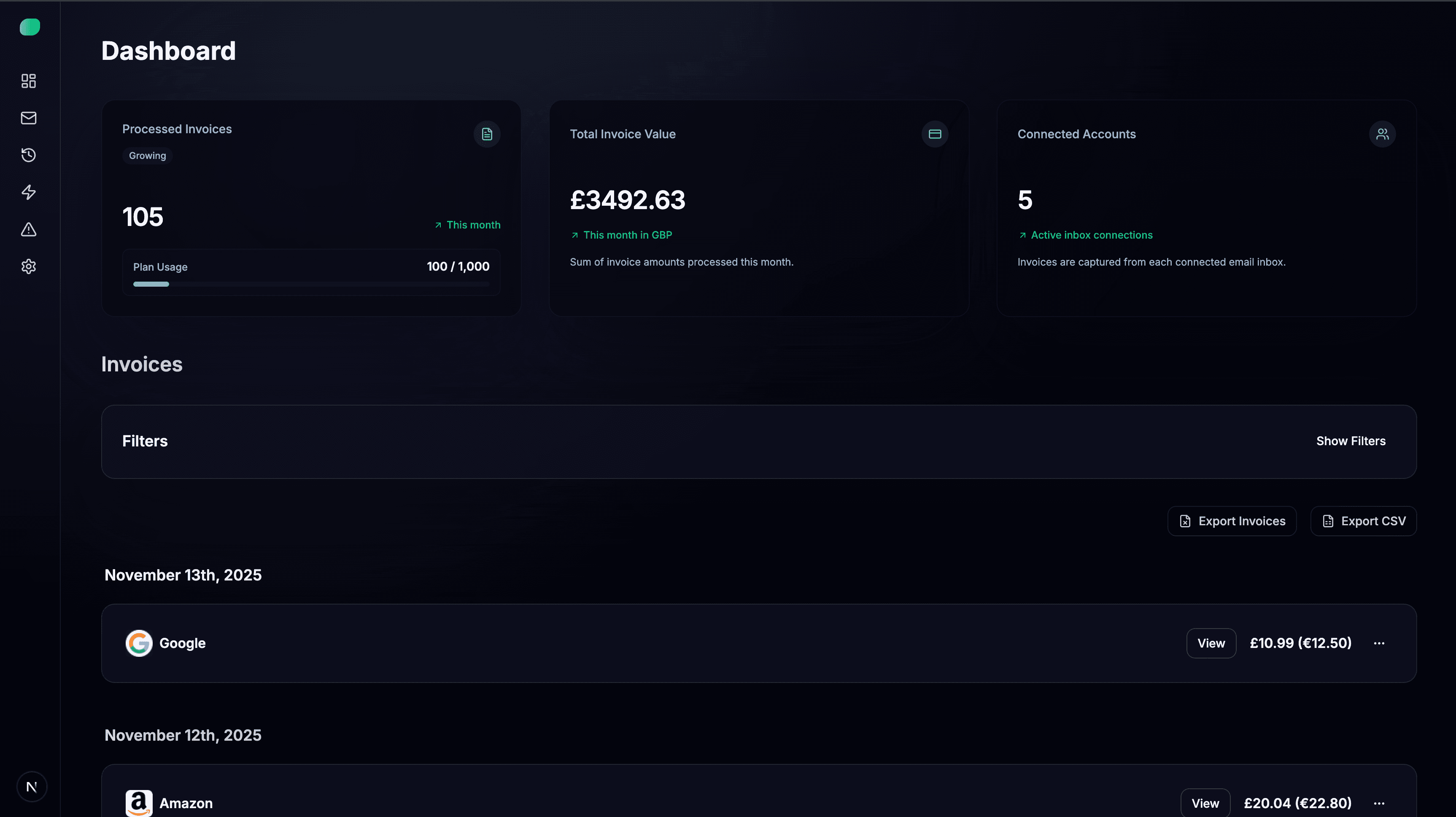
Yes! The Free plan includes 1 email account, the Starter plan includes 1 account, and the Growing plan supports up to 5 email accounts. This lets you monitor invoices across multiple inboxes from a single dashboard.
03What is the Rewind feature?
Rewind allows you to retrieve historical invoices from your email inbox. Simply specify a date range, and Invoice Intel will scan your past emails and automatically import all invoices into your dashboard. Perfect for migrating existing data or catching up on missed invoices.
04Does Invoice Intel integrate with my accounting software?
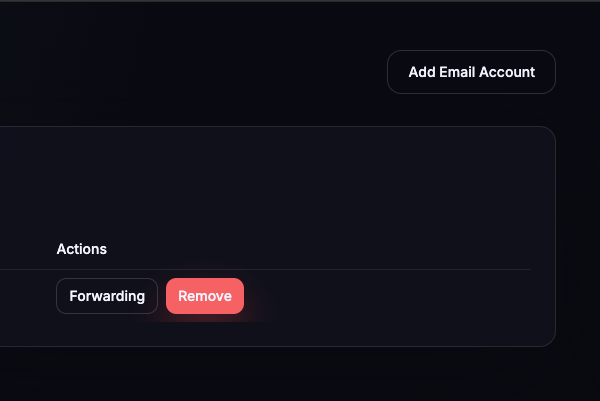
Yes! Invoice Intel can automatically forward processed invoices directly to your Xero or QuickBooks inbox, eliminating manual data entry. You can also export invoices as CSV files or download PDFs in bulk for use with any accounting system.